Blog
Habsy Business Card Manager: From piles to searchable, export-ready contacts
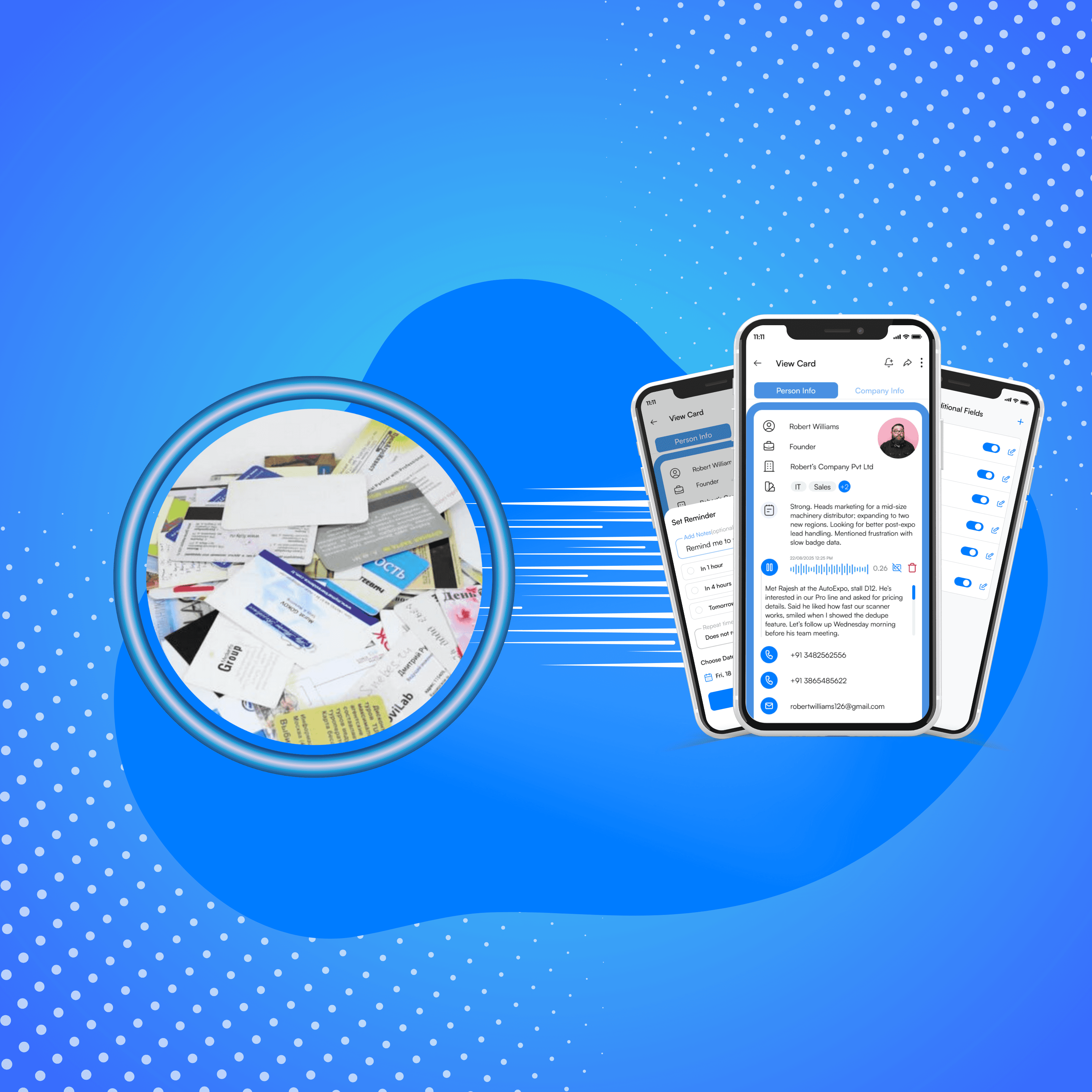
Spreadsheets are slow, error-prone, and lack the context, interest, product line, and next step that drive action. That’s where the Habsy Business Card Manager App turns chaos into clarity.

Every professional knows this story: you collect dozens of visiting cards after meetings or expos, only to realize weeks later that half of them are still in a drawer or trapped inside a spreadsheet you rarely open. The problem isn’t collecting cards; it’s what happens after. Spreadsheets are slow, error-prone, and lack the context, interest, product line, and next step that drive action. That’s where the Habsy Business Card Manager App turns chaos into clarity.
The Problem of Manual Spreadsheet Entry and Lost Follow-Ups in SMB Workflows
For many small and mid-sized businesses (SMBs), collecting cards is easy — the real struggle starts when they return from events. Someone opens Excel, begins typing, and soon the process slows down. Names are repeated, contacts go missing, and crucial context like interest or follow-up dates vanish. Spreadsheets are not built for modern relationship management. Duplicates slip in, formatting breaks, and sorting by region or priority becomes guesswork. Over time, follow-ups stall, calls are missed, and leads grow cold. The intent to act remains, but the workflow collapses long before any progress begins.

Instead of building contact lists the hard way, capture and organize them the moment you meet someone. A mobile business card manager app like the Habsy App uses your phone’s camera to scan cards, extract details automatically, and store them in one clean library, offline or online. With features like multilingual AI powered OCR, contact deduplication before CRM import, and batch scanning, the Habsy Business Card Manager ensures that even large volumes of business cards can be managed with speed and precision.
When Suresh Enterprises, a mid-sized industrial supplier from Coimbatore, attended trade shows, the team always came back with piles of visiting cards. They recorded leads in an Excel file named “Expo Contacts Final (2).xlsx.” Within weeks, duplicates appeared, phone numbers were mistyped, and crucial notes like “needs demo next week” got lost in random cells. By the next quarter, follow-ups slowed down. Some leads were called twice; others not at all. The spreadsheet looked full, but the pipeline stayed empty.
Then they switched to the Habsy Business Card Manager App. At the booth, the team used batch scanning to digitize over 150 cards in minutes with no typing and no errors. During conversations, each rep added quick custom fields like Product Line = Pumps and Priority = P1, plus a 10-second voice note for next steps. After the show, Habsy’s de-duplication automatically cleaned overlaps before export. By Day 1, the owner exported a clean CSV to Google Sheets and shared it with sales for immediate outreach.
Within a month, the change was visible. The team’s time to CRM shrank from an entire week to just 24 hours. Missed follow-ups dropped sharply as the Habsy App kept sales reps on track, and what once took days of sorting and guesswork now happened instantly through Advanced Search, where anyone could pull up “Hot - Pumps - Chennai” in seconds. The results were clear: faster responses, cleaner data, and a more confident sales process.
Today, the company runs every event, meeting, and field visit through the Habsy Business Card Manager. The once chaotic spreadsheet system is gone, replaced by a structured, searchable contact library that fuels faster deals and cleaner reporting.
Old Way (Manual Process) | New Way with Habsy App |
|---|---|
Manual typing | AI Powered OCR scanning |
Disorganized rows | Structured tags and fields |
Context lost | Voice notes and in-app context |
Duplicate entries | Built-in de-duplication |
Late CRM updates | CSV export within 24 hours |
Spreadsheets require patience. The Habsy Business Card Manager App delivers precision. Your contacts stay organized, searchable, and export-ready for any CRM or sales workflow.
Once your visiting cards are scanned and qualified, the Habsy Business Card Manager makes it simple to hand off data to your CRM or Google Sheets.
1. Review and Clean Your Captured Contacts
Use the Draft Page to verify and merge duplicates. Habsy automatically detects duplicates by email or phone before export.
2. Apply Custom Fields and Tags for Segmentation
Add qualifiers like Interest=Hot or Priority=P1. These fields appear as stable columns in your CSV for easy segmentation later.
3. Use CSV Export Presets for HubSpot, Zoho, Excel or Google Sheets
The Habsy App comes with presets for HubSpot, Zoho, Salesforce, Excel and Google Sheets. Columns such as Full_Name, Address, Company, Email, Phone, Interest, Categories, Note, Note_Transcript stay consistent for every import.
4. Export Your Clean CRM-Ready CSV
Go to manage profile - >Click Export Contact-> Select Preset -> Confirm. The Habsy Business Card Manager downloads a clean CSV file and optionally you can send it to the registered email address as well.
5. Import Seamlessly into CRMs or Google Sheets
Open your CRM’s import panel or Google Sheets:
For HubSpot/Zoho/Salesforce: select Import CSV and map columns automatically (Habsy names are CRM-ready).
For Google Sheets: upload using the Import Option in the File Menu; your data is clean, searchable, and filterable by tags or interest level.
For Excel: open the CSV in Microsoft Excel to review, filter, or modify your contact data before CRM upload.
6. Add Context with Voice Note Transcripts and Multilingual OCR Support
Each exported CSV can include voice note transcripts so even short booth conversations are searchable later by topic or product. The Habsy Business Card Manager App also supports multilingual business card OCR for Indian languages like Hindi, Tamil, and Bengali, as well as global scripts such as Japanese, Chinese, German, and many more.
7. Import Existing Spreadsheets into Habsy with CSV Import
If your team already uses spreadsheets, you can import those CSV files into the Habsy Business Card Manager App to consolidate contacts and clean your data. During import, you can align the fields in the spreadsheet with the ones required from the application and easily store it as digital contacts at your fingertips.
At Habsy, privacy isn’t a checkbox; it’s a core design principle. Every contact you capture stays securely within your private workspace. All data in the Habsy Business Card Manager App is encrypted in transit and at rest. Offline data is stored in a secure sandbox and syncs automatically when online. The Habsy App never sells, shares, or markets your contact data.
Every export, import, or deletion is logged for transparency. The app aligns with GDPR and PIPEDA compliance standards to ensure safe global operation. If a contact requests deletion, all associated data including voice notes and transcripts are permanently erased. You always retain complete ownership and control.
Your contacts, your control. Always protected. Always private.
FAQs
1. Why are spreadsheets not effective for managing visiting cards?
Spreadsheets require manual data entry, which is slow and prone to errors. They often miss important context like interest level or follow-up actions, leading to duplicates, lost data, and delayed outreach.
2. How does a business card scanner app improve contact organization?
A business card scanner app digitizes cards instantly using OCR, stores them in a structured format, and allows tagging, notes, and search. This turns scattered cards into a centralized, searchable contact library.
3. Can I organize and segment contacts using tags and custom fields?
Yes. You can add tags and custom fields like interest level, product line, or priority during capture. This makes it easy to filter, segment, and prioritize leads for faster follow-ups.
4. How does Habsy prevent duplicate contacts?
Habsy automatically detects and merges duplicate entries based on identifiers like email or phone number. This ensures your contact database remains clean before exporting to CRM systems.
5. How quickly can visiting cards be converted into CRM-ready data?
With Habsy, visiting cards can be scanned, organized, deduplicated, and exported as a clean CSV within 24 hours, enabling faster and more effective follow-ups.
The Payoff: From Visiting Cards to CRM-Ready Contacts in 24 Hours
Habsy Business Card Manager: From piles to searchable, export-ready contacts


