Blog

Exhibitions move fast. Habsy’s business card scanner app captures cards and badges, adds context, and exports clean leads to CRM within 24 hours. Be Day 1 ready.

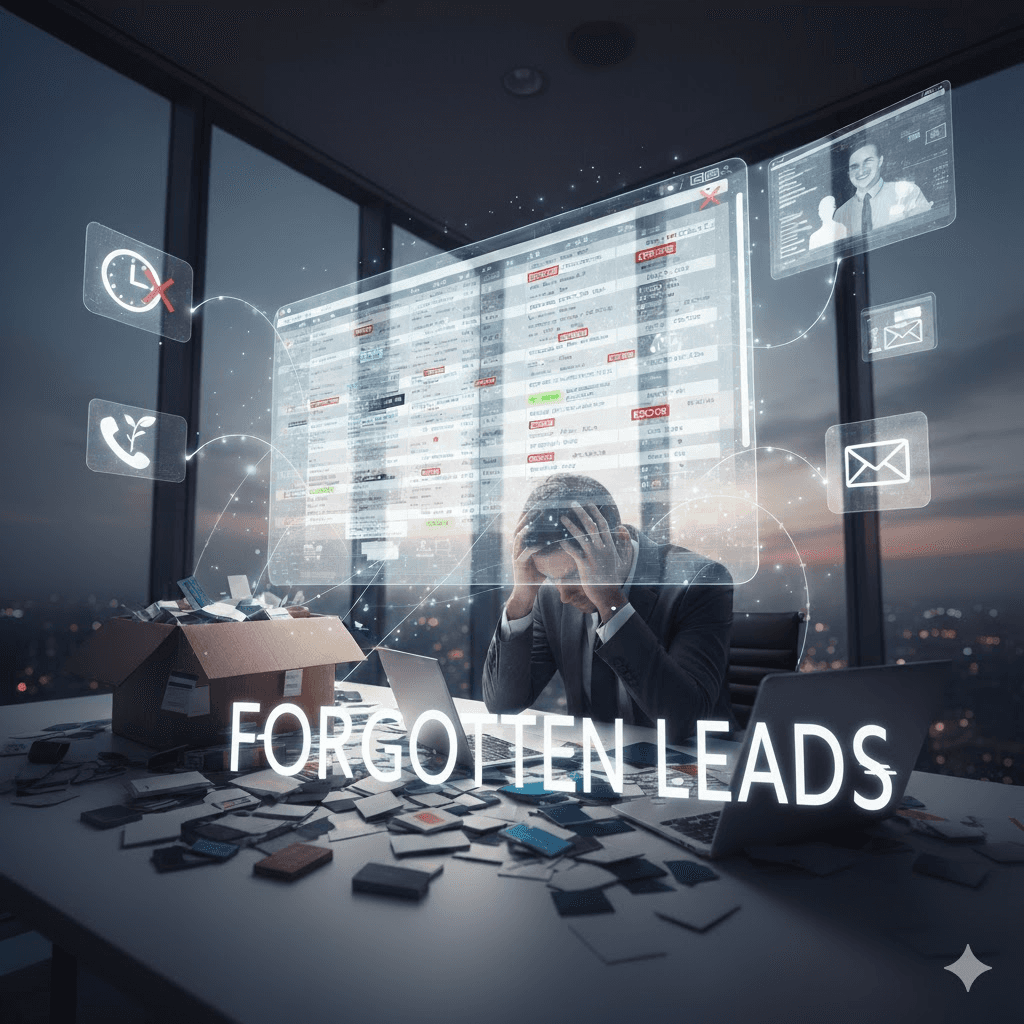
You’ve just returned from three intense days at a trade show. Your booth buzzed with conversations, card exchanges, and QR scans, each one a potential deal. But once the lights go out and you’re back at your desk, fatigue kicks in. Cards scatter across your desk. Badge files sink in your inbox. The faces and conversations blur together.
By the time your CRM is finally updated, the spark has faded. Prospects move on. Competitors follow up first. What could have been a full pipeline turns into a forgotten list. This is where enthusiasm meets inefficiency, the quiet leak that costs companies their best event leads.
I. Why event leads vanish before CRM
1. Cards in drawers, badges in inboxes
Once the event ends, physical cards often end up buried in drawers and badge files forgotten in emails. A week later, half the data is incomplete or outdated. The momentum is gone before follow-ups even begin.
2. No qualification at capture
A spreadsheet can tell you who you met, but not why they mattered. Without quick notes, interest levels, or tags, your team treats every lead the same, burying hot prospects under cold ones.
3. Duplicates and missing fields
Multiple team members may scan the same visitor, flooding your CRM with duplicates. Missing phone numbers and incomplete entries slow outreach and cause errors downstream.
4. Follow-ups left to memory
Relying on memory is risky. Without reminders or notes, the context fades, and so do the opportunities. Each delayed message makes follow-ups feel colder and less personal.
Imagine leaving the event with every contact captured, qualified, and ready for outreach before your next coffee. With the Habsy Business Card Manager app, that vision becomes real.
1. Capture in seconds
Scan cards or QR badges instantly with the mobile business card manager. Every scan is logged, verified, and timestamped, even offline. No more lost cards or delays.
2. Qualify at source
Right after each conversation, add custom fields and tags like interest level or product line. These qualifiers turn raw lists into actionable segments for Day 0 follow-ups.
3. Add a 10 second voice note
In busy booths, typing isn’t practical. Drop a short voice note to record the conversation highlights, who they were, what they wanted, and what comes next.
4. Set a one tap reminder
Before moving to the next visitor, set a reminder for tomorrow. The next morning, your to-do list appears with clear names, context, and follow-up actions.
5. Clean as you go
Built-in contact deduplication ensures no repeated entries. Review and merge duplicates instantly, keeping your CRM clean before import.
6. Export mapped CSVs
By day’s end, export a clean, mapped CSV directly into your CRM or Google Sheets. With Habsy’s CSV first export, you’re ready for outreach within 24 hours, no manual cleanup needed.
At the Chennai AutoExpo, Rina’s team captured hundreds of visitors using Habsy’s QR badge scanning and batch scanning features. By the next morning, every contact was in their CRM, and demos were already being scheduled.
Arjun, a SaaS sales head, used custom fields to qualify each enquiry and relied on deduplication to clean records instantly. His team began outreach within 20 hours and saw a 30 percent rise in conversions.
For Meera, a small business owner, Habsy simplified everything. She batch scanned 300 visiting cards, added tags, set reminders, and secured two new clients within a week.
Whether you manage a booth, a field sales team, or a regional event, Habsy’s mobile first design, offline mode, and privacy first architecture keep your leads secure, synced, and ready for action.
With Habsy, the post-event scramble becomes a smooth, disciplined system.
Speed: Leads move from card to CRM in 24 hours while intent is still alive. Quick responses convert short chats into long-term clients.
Quality: Every record is verified, deduped, and mapped for outreach. Clean data means you contact the right people with the right context.
Discipline: One tap reminders and voice notes make follow-ups consistent, not optional.
Attribution: Every export includes source and campaign fields, making event ROI visible and defensible.
Simplicity: One app replaces scanners, spreadsheets, and manual forms, less friction, faster adoption.
Confidence: With every scan stored securely, your team knows nothing gets lost. Data accuracy inspires trust across departments and clients alike.
When the banners come down, what remains shouldn’t be a pile of cards, it should be progress. The Habsy app turns scattered information into structured opportunity.
From the first scan to the final export, Habsy ensures every connection is captured with context, every follow-up is scheduled, and every lead is ready to move forward.
Your next event doesn’t need to end in backlog. It can end in momentum.
Be Day 1 ready with Habsy — the business card scanner app built for speed, clarity, and follow-through.
Need more details? Visit our FAQ section to learn how Habsy helps you capture, organize, and convert every event lead.
1. Why do event leads get lost after trade shows?
Event leads are often lost due to scattered business cards, forgotten badge files, lack of qualification, duplicate entries, and delayed follow-ups. Without structured capture and reminders, valuable conversations quickly lose context and momentum.
2. How does a business card scanner app prevent lead loss?
A business card scanner app digitizes contacts instantly, captures context through notes or voice recordings, and stores everything in one place. This ensures no lead is misplaced and every interaction is preserved for follow-up.
3. What is the benefit of qualifying leads during capture?
Qualifying leads at the moment of interaction helps prioritize high-intent prospects. Adding tags like interest level or product type ensures sales teams focus on the most valuable opportunities first.
4. How do reminders improve event follow-ups?
Reminders ensure timely outreach by prompting sales teams with context-rich follow-up tasks. Instead of relying on memory, teams receive structured to-do lists, improving consistency and conversion rates.
5. How quickly can leads be moved to a CRM using Habsy?
With Habsy, leads can be captured, cleaned, deduplicated, and exported as mapped CSV files within 24 hours, enabling teams to start follow-ups while conversations are still fresh.


