Blog
Bad business card data quietly kills event ROI long before sales ever gets a chance. Fix the capture moment and ROI stops being a gamble. It becomes predictable.
High bounce rates after events often mean bad lead data. Learn how a business card scanner app fixes capture errors and protects event ROI.
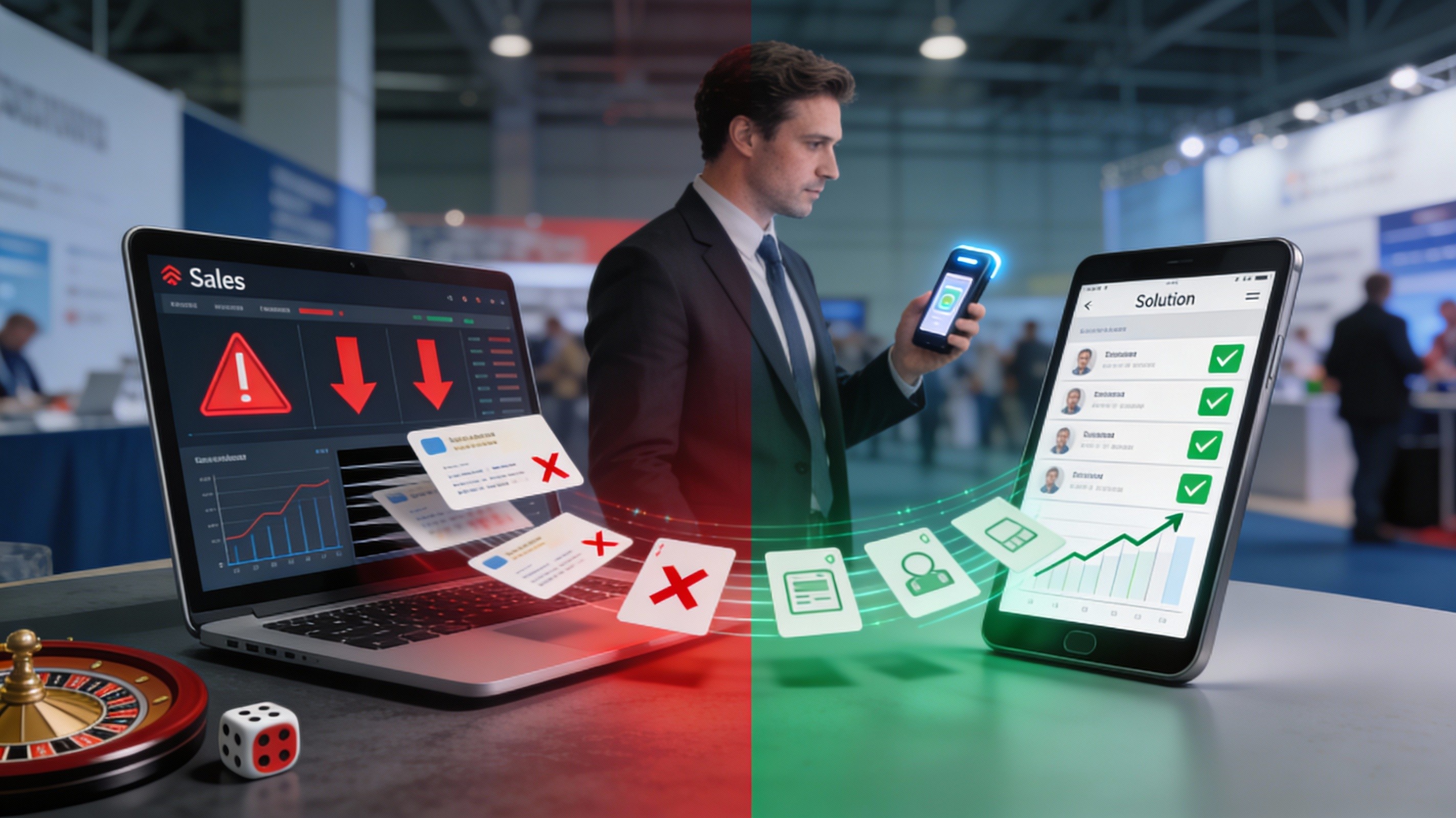
The scariest report I see after an event is not the lead count. It is the bounce rate.
For years, I returned from conferences with card photos on my phone, pockets full of business cards, and a spreadsheet labeled “hot leads,” instead of using a proper business card scanner app to capture everything cleanly. On paper, the pipeline looked healthy.
A week later, reality hit. I would send the first follow-up email and watch bounce notifications pile up. What looked like a successful trade show quickly revealed itself as a quiet failure.
I initially blamed timing and messaging. Eventually, I faced the real issue: my contact capture process was broken. Manual entry, card photos, and messy CRM records were killing event ROI long before sales ever got involved.
This is how I learned that bad business card data,not lack of effort,was the real reason my event ROI kept leaking.
If you are already seeing strong interest but weak outcomes, this deeper breakdown on why leads stall after capture is worth reading: Lead Conversion in 2026: How B2B Teams Boost Sales Conversion.
I. The Day My Post-Event Follow-Up Campaign Fell Apart
I still remember the first time the numbers punched me in the gut.
We had just wrapped a busy industry expo. The booth was full. Conversations were strong. By the end, we proudly counted 600 “leads,” backed by a stack of cards and dozens of card photos.
A few days later, I sent the post-event follow-up. Within hours, bounce rates climbed,5%, then 10%, then 20%. Nearly half the emails never reached an inbox.
When I reviewed the CSV, the problem was obvious. Typos, missing characters, guessed domains, and misread handwriting. The campaign did not fail because people lacked interest. It failed because many of those leads were never usable in the first place.

At first, I did not see this as a data problem.
Low replies felt like a messaging issue. Slow meetings felt like bad timing. Falling ROI felt like a weak event. It took time to ask the uncomfortable question: what if many of my leads were never reachable at all?
When an email address is wrong, nothing else matters. High bounce rates quietly damage sender reputation and push even valid messages toward spam. What looks like 600 leads on paper may be closer to 250 real conversations.
That was the realization: I was measuring volume, not usability. I did not have a conversion problem. I had a capture problem,and it was silently draining event ROI.
Once I admitted the data was the problem, the pattern became clear.
My contact “system” was chaos. Card photos on my phone. Physical cards on my desk. Notes scattered across WhatsApp and spreadsheets. Nothing was connected.
By the time I tried to clean it up, days had passed. Faces blurred. Context disappeared. I could not remember who wanted a demo or what we had discussed.
Lost event leads were not caused by laziness. They were created by a workflow that depended on memory instead of structure.
If you want to explore how to keep every event contact clean, usable, and follow-up ready instead of letting them rot in a pile of cards, here is a helpful read: Human Connection at Scale: The New Sales Superpower in Relationship-Driven Markets.
If this feels uncomfortably familiar, it is a sign your lead capture workflow needs structure,not more effort. Fixing this stage is the fastest way to stop leaks before they reach your CRM.
The turning point came when I accepted that discipline alone would not fix this.
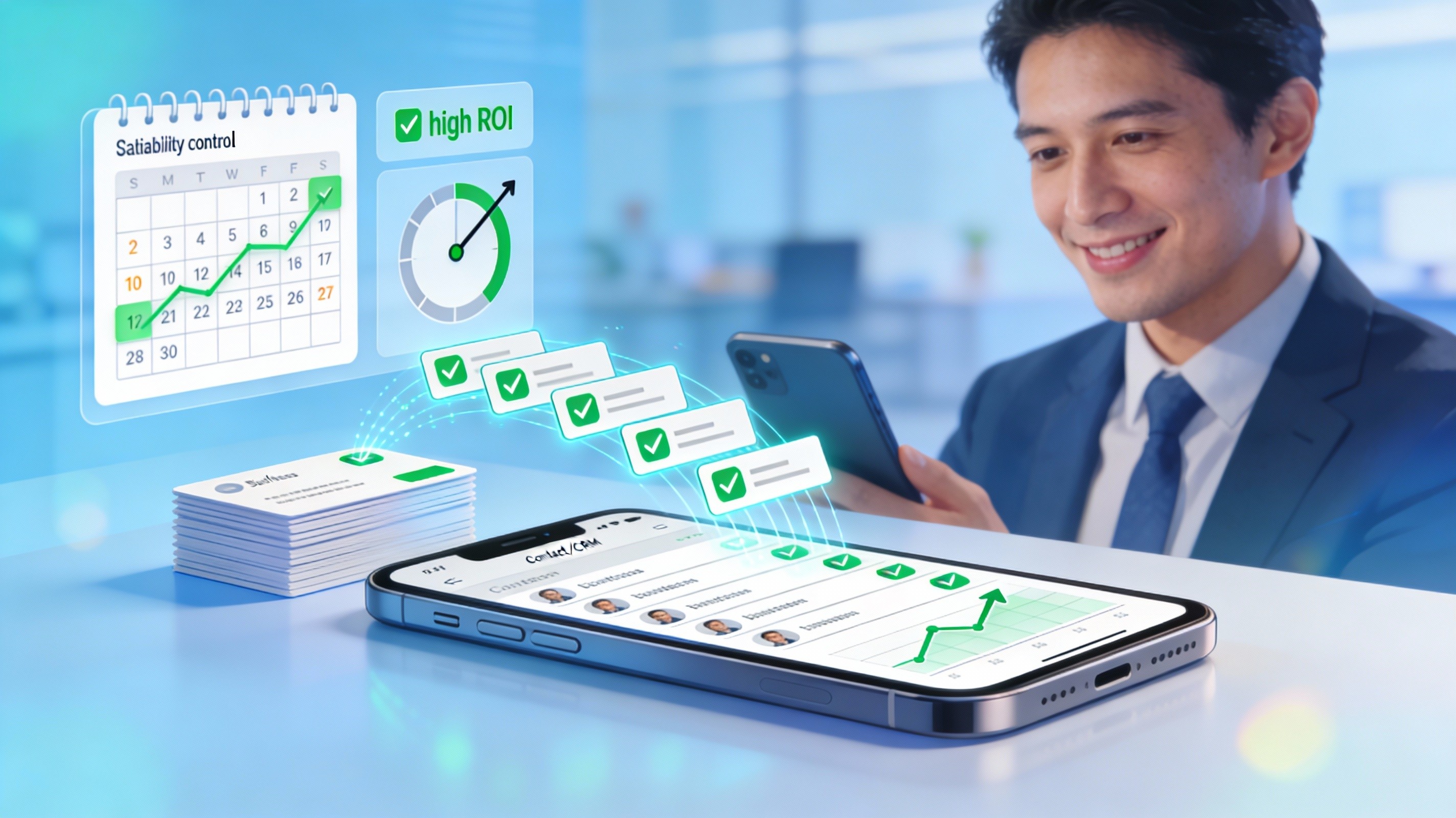
I stopped relying on photos and manual typing. Instead, I scanned business cards directly using the Habsy app, my business card scanner app. Contact details were captured cleanly, without guessing or late-night corrections. Multilingual cards and complex layouts were handled in seconds thanks to its multilingual business card OCR.
More importantly, errors were caught before reaching the CRM. Duplicate contacts were flagged early with contact deduplication before CRM import. Questionable emails were visible immediately.
The impact was immediate. Bounce rates dropped. Replies increased. Sales conversations became easier because every contact carried context. I was not capturing more leads,I was finally capturing usable ones.
Once I saw how clean data changed outcomes, lead capture stopped feeling like admin work and started feeling like a real event lead capture workflow I could trust.
Scanning cards immediately meant nothing was lost, and when I needed reports, I could simply scan business cards to CSV from clean, validated records. Bad data was caught before it reached the CRM. Voice notes preserved context while conversations were still fresh. Reminders ensured follow-ups actually happened.
Instead of generic outreach, every follow-up felt like a continuation of the booth conversation. Enrichment removed the need for manual research. Prioritization became obvious.
Habsy did not just organize contacts. As a Habsy business card manager and trade show lead capture app, it turned event conversations into a system I could rely on.
Today, I think about event ROI very differently.
It is not about booth traffic, badge scans, or how many leads look good on a spreadsheet. It is about how many of those people are actually reachable, deduplicated, and ready for a real conversation.
Most event deals are not lost because teams fail to follow up. They are lost because bad data makes follow-up impossible. When contacts enter your system broken, everything downstream breaks with them.
Bad business card data quietly kills event ROI long before sales ever gets a chance. Fix the capture moment with a business card scanner app like the Habsy business card manager, and ROI stops being a gamble. It becomes predictable.
If you want to see how top-performing teams design booths that consistently turn conversations into pipeline, this breakdown is worth your time: The Anatomy of a High-Output Booth: What Top Teams Do Differently.
FAQs:
Q1. Why do so many event follow-up emails bounce?
Emails bounce mainly due to poor-quality data captured during events, including typos, incomplete details, and incorrect domains. Manual entry and card photos often introduce errors that make contacts unusable.
Q2. How does bad contact data affect event ROI?
Bad data reduces the number of reachable leads, damages sender reputation, and lowers response rates. Even if lead volume looks high, poor data quality can significantly reduce actual conversion opportunities.
Q3. Why is manual lead capture unreliable at events?
Manual capture methods like typing, taking photos, or storing cards lead to fragmented and inconsistent data. By the time leads are processed, context is lost and errors are difficult to fix.
Q4. How does a business card scanner app improve data quality?
A business card scanner app captures details instantly and accurately using OCR, reduces manual errors, and flags duplicates before CRM import. Habsy ensures clean, structured, and usable lead data from the start.
Q5. How does Habsy help improve event lead conversion?
Habsy enables teams to capture accurate contacts, preserve context with notes and voice inputs, remove duplicates, and export CRM-ready data quickly. This ensures follow-ups reach real prospects and improves overall event ROI.


